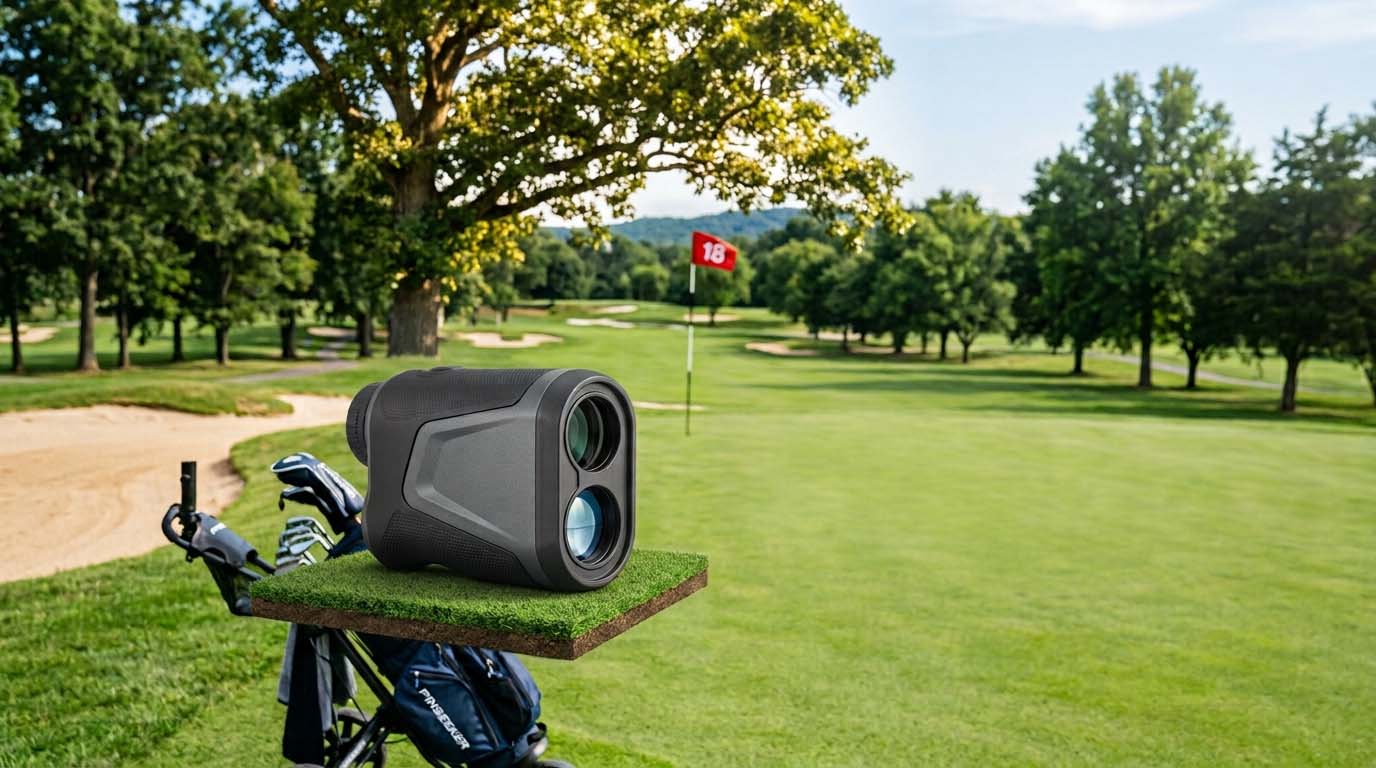
When a rangefinder returns a number that is obviously too long, the laser almost always found something real, just not the thing you were aiming at. A laser rangefinder measures distance by timing how long it takes a pulse of light to bounce back from the first solid surface it hits along its aim path. A thin flagstick against a cluttered background is a genuinely hard target for that process, because a tree line, a cart path, a maintenance building, or another surface a few yards behind or beside the flag can return a stronger, easier signal than the stick itself.
Why the flagstick loses to what's behind it
A flagstick is thin and often positioned in front of, not against, an open sky. Trees, hills, buildings, and even other golfers standing nearby all present a larger reflective surface along a similar line of sight. Without something specifically designed to prioritize a thin, close target over a larger one behind it, a laser will often report whatever gave it the clearest return, and on a cluttered green surround, that is frequently not the flag.
This is a known limitation of basic laser rangefinding, not a sign that a specific device is faulty. It shows up most on holes with tree-lined greens, elevated tee-to-green sightlines with a backdrop close behind the pin, or courses with maintenance structures visible past the green.
Technique fixes that work even without a special feature
If your device does not have a flag-lock or pin-seeking feature (or you are not confident it engaged), technique alone closes most of the gap:
Aim at the base of the flag, not the top. The base sits against the green surface, which gives a shorter, more consistent target profile than the thin stick rising against a distant backdrop.
Hold the device with both hands, close to your body. A small amount of hand shake is enough to walk the laser off a thin target and onto whatever is next to it. Bracing with both hands and keeping your elbows tucked in reduces this meaningfully, and it matters more the higher a device's magnification, since zoom amplifies any tremor. See /golf-rangefinder-magnification/ for why that trade-off exists.
Use the side-to-side check. While holding the range button, move the device slightly side to side around the flag. The shortest distance shown during that small sweep is very likely the flag itself, since the background objects behind it are farther away and will show up as the longer reading.
Take a second reading before trusting the first. If a number looks obviously wrong for the hole, a quick repeat with more deliberate aim resolves most false readings without needing to assume anything is broken.
The technology fix: flag-lock and pin-seeking features
Devices with a flag-lock, pin-seeking, or similarly branded feature solve this problem algorithmically rather than relying on the golfer's aim alone: the device is built to recognize and prioritize a thin, vertical, close target over a larger object sitting behind it, and most confirm a successful lock with a brief vibration. The full explanation of how this works, and the different brand names used for essentially the same underlying function, is covered at /rangefinder-pin-lock-flag-lock-explained/ rather than repeated here. That spoke also covers what this feature does not do, including the fact that it does not improve base measurement accuracy.
If you are shopping for a rangefinder specifically to solve this problem, that is the more useful spec to check for than magnification or price alone.
When it isn't a technique problem at all
Some conditions defeat even a careful, correctly aimed reading, regardless of whether the device has flag-lock technology:
- Fog and heavy rain scatter and absorb the laser pulse, degrading the signal returned from any target, including a nearby one.
- Strong backlighting, such as aiming into low sun, can interfere with a clean read.
- A flag with unusually low reflectivity (faded fabric, an unusually dark color) gives the laser less to work with than a standard flag.
In any of these cases, a wrong or no reading is a weather or equipment-limitation issue rather than evidence of a technique mistake, and repeated attempts under the same conditions are unlikely to resolve on their own.
Practice before you need it, not during a round
The best time to learn how your specific rangefinder behaves on a cluttered background is on a practice green or a quiet range session, not for the first time on hole 14 with a group waiting behind you. Spend a few minutes deliberately aiming at a flag with trees or a building behind it, try the side-to-side check, and get a feel for how far off a "wrong" reading typically is on your device when it does grab the background instead of the flag. Knowing your own unit's tendencies in advance turns an in-round bad reading from a confusing surprise into an expected, quickly corrected event.
A quick self-check before assuming the device is broken
Before concluding a rangefinder is faulty, it is worth ruling out the ordinary explanations first: was the aim genuinely on the flag's base, was the hold steady, was a side-to-side check done, and were the conditions (fog, rain, strong backlight) clear. A device that consistently reads long even on an open green with a bright, standard flag, good weather, and a steady, correct aim is a different and less common situation, and that is worth checking against the manufacturer's own troubleshooting guidance for that specific model rather than assuming a general fix applies.
FAQ
Why does my rangefinder keep giving me a number that's too long?
It is very likely locking onto something behind the flag, such as trees, a cart path, or a building, rather than the thin flagstick itself, since that background object often returns a stronger laser signal. Aim at the flag's base, hold steady with both hands, and use a small side-to-side sweep to confirm the shortest reading.
Is a rangefinder that reads the background instead of the flag defective?
Not necessarily. This is a known limitation of basic laser rangefinding on cluttered backgrounds, not typically a sign of a faulty unit. Devices with a flag-lock or pin-seeking feature are specifically built to solve this; devices without one rely more on technique.
Does holding the rangefinder more steadily actually help?
Yes. Hand shake can walk the laser off a thin target onto a larger object nearby, and this effect is worse at higher magnification. Bracing with both hands and keeping elbows close to your body meaningfully improves target acquisition.
Will fog or rain cause this same problem?
Yes, but for a different reason: moisture in the air scatters and weakens the laser pulse itself, which can produce an inaccurate or missing reading independent of aim or technique.
Should I just buy a device with flag-lock technology instead of fighting this?
If cluttered-background greens are a regular problem on the courses you play, a flag-lock or pin-seeking feature is the more reliable long-term fix than technique alone. See /rangefinder-pin-lock-flag-lock-explained/ for how that feature actually works and what it does not change.
For the fuller buying framework, see /golf-rangefinder-buying-guide/. If the issue seems tied to a weak or cold-affected battery rather than targeting, see /golf-rangefinder-battery-life/.