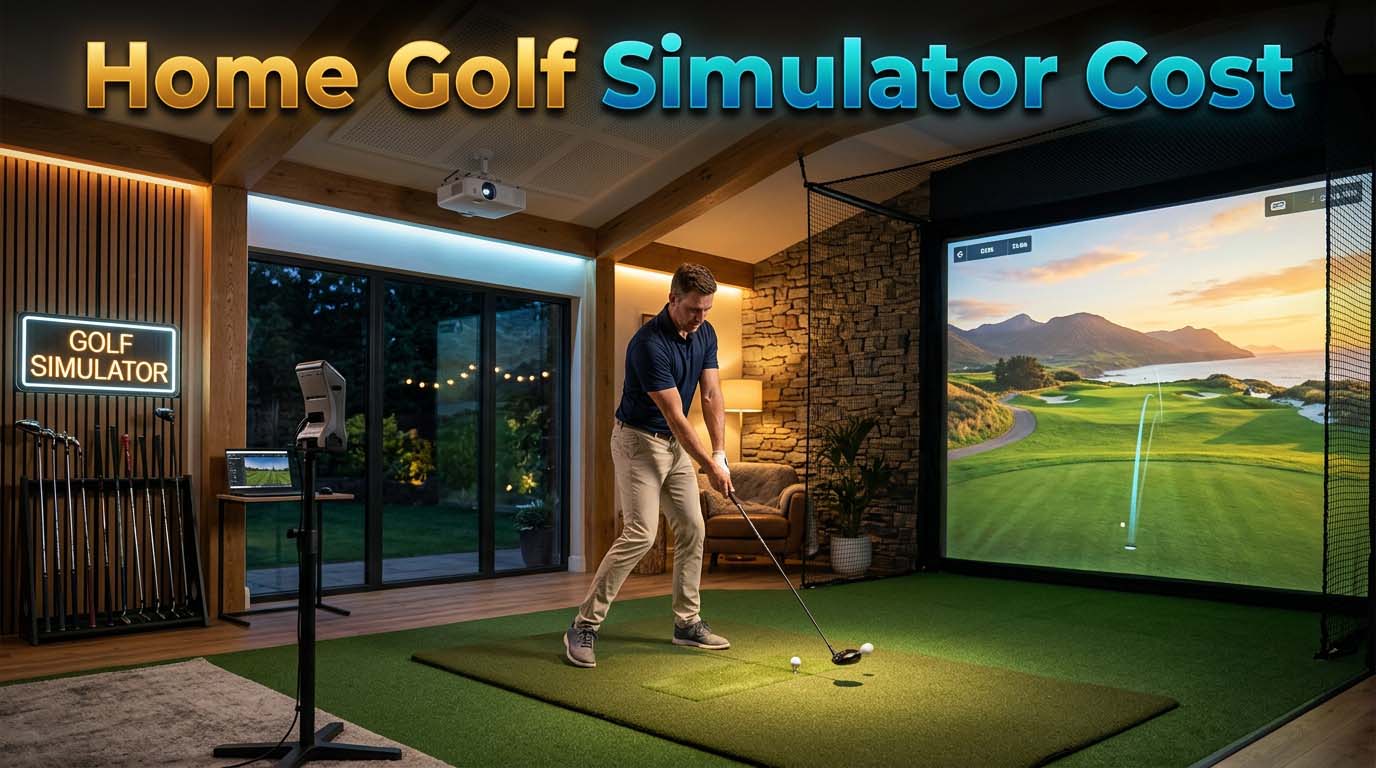
Home golf simulator cost falls into three real brackets: a bare net-and-launch-monitor setup for a few hundred dollars up to about $3,000, a genuine mid-range room with a screen, projector and enclosure for roughly $10,000 to $20,000, or a premium build that climbs past $20,000 toward $60,000 or more. Which bracket you land in depends less on the brand you choose and more on your ceiling height, floor space and electrical panel. The rest of this guide breaks down what each tier buys, the costs a package price does not include, and the trade-off almost nobody selling a launch monitor mentions: the room itself.
The three real tiers of home golf simulator cost
Every simulator, however it is packaged, is built from the same four pieces: a launch monitor, a screen or net, a hitting mat, and (usually) a projector and simulation software. What changes between tiers is which of those pieces you get and how well they are integrated.
| Tier | What's actually included | Rough cost range |
|---|---|---|
| Entry-level / DIY | Launch monitor + hitting net or mat, often no screen or projector | A few hundred dollars to about $3,000 |
| Mid-range | Launch monitor + impact screen + enclosure + projector + mat | Roughly $10,000 to $20,000 |
| Premium / luxury | High-end launch monitor, full enclosure, 4K projection, finished room | $20,000 and up, with top builds running toward $60,000+ |
According to aboutgolf's own cost breakdown (read September 12, 2026), a simulator manufacturer explaining its own market, the spread runs from a few hundred dollars for a bare-bones DIY kit to well over $20,000 once you add a real screen, enclosure and higher-end launch monitor. That range is wide on purpose. A launch monitor alone can run from roughly $1,500 for an entry unit to $13,000 or more for a tour-grade one, and that single component often decides which tier you end up in.
What you're actually paying for
Breaking the total into its parts explains why two "simulator" setups with the same launch monitor can differ by ten thousand dollars.
- Launch monitor. The sensor that reads your ball and club data. This is usually the single biggest line item and the one most worth researching before you spend on anything else.
- Screen and enclosure. A basic impact screen and simple frame sit at the low end; a tensioned enclosure with side and top netting, built to take real driver swings without sagging, costs meaningfully more.
- Projector. Short-throw projectors built for close mounting distances cost more than a standard home-theater unit, because a simulator room rarely has the throw distance a normal projector wants.
- Hitting mat. Ranges from a thin practice mat to a multi-layer mat designed to absorb full-swing impact without wearing out in a season.
- Simulation software. Sometimes bundled with the launch monitor, sometimes a separate subscription for course libraries and swing analysis.
Nothing here is a specific product price, because prices move and a number stated today is often wrong by the time you read this. Treat every figure as a rounded estimate and check the manufacturer's current page before you budget against it.
The space you need before you spend anything
Ceiling height is the one dimension you cannot fix after the fact, so it decides your budget before the launch monitor does. Uneekor's own FAQ page (read September 12, 2026) recommends a minimum of about 10 feet of height, 13 feet of width and 18 feet of length for a comfortable commercial-style setup, with its QED sensor specifically needing to sit roughly 9 to 10.5 feet above the floor, mounted about 3.5 feet behind the hitting mat. That is one manufacturer's own number, and other launch monitors vary, but the pattern holds across the category: most systems want somewhere between 9 and 10 feet of clearance for a full driver swing, with 10 feet treated as the comfortable baseline rather than the bare minimum.
A garage with an 8-foot ceiling can still work for short-game practice, putting and chipping. It is not a full-swing setup, and no amount of spending on the launch monitor changes that. If your ceiling is the constraint, that fact should decide your tier before price does.
The trade-off nobody selling a simulator mentions: weather
Most home simulators end up in a garage, because a garage is usually the only room in the house with the ceiling height and floor space to fit one. That solves the space problem and quietly creates a different one: an unheated, uninsulated garage puts real temperature and moisture swings on everything stored in it, including the clubs you are about to hit on the new simulator.
This is not really about the simulator hardware, which is generally rated to handle a normal garage environment. It is about what else lives in that garage. If your clubs are going to sit in the same space as the simulator, the condensation and temperature-swing issues covered in our piece on whether a cold garage is actually bad for golf clubs apply just as much to a $15,000 simulator room as they do to a bag left in the corner. The fix is the same either way: keep humidity and temperature swings down, not necessarily the temperature itself. If you are setting up the room heading into the off-season, our guide on what actually needs doing before winter storage covers the half-hour of prep that avoids most of it.
Hidden costs that are not in the package price
A simulator listing's price rarely covers everything the install actually needs.
- Electrical. A dedicated circuit for the projector and launch monitor is common, and older garages may need panel work to support it.
- Flooring. A hitting mat needs a flat, level surface underneath it; a sloped or cracked garage floor sometimes needs leveling first.
- Climate control. A small dehumidifier or a portable heater/AC unit keeps both the electronics and any clubs stored nearby out of the swings that damage them, and is rarely bundled with a simulator package.
- Lighting and sound. Simulator screens wash out under bright overhead light, and full-swing impact is loud enough that some buyers add sound dampening if the garage shares a wall with living space.
- Insurance. A five-figure setup in a garage is worth mentioning to a homeowner's insurance agent, since standard coverage limits for a detached or attached garage may not match what you just installed.
None of these show up on a simulator retailer's price page, because none of them are the retailer's to sell.
Does simulator data replace a club fitting?
A launch monitor hands you real numbers, spin rate, launch angle, ball speed, that most golfers have never seen for their own swing. It is tempting to treat that as a fitting. It is not quite the same thing.
A simulator tells you what your current clubs are doing. It does not tell you whether a different head or shaft would do better, unless you can actually swap components and compare on the same numbers, which most home setups cannot do easily. If the data reveals something specific, low smash factor, inconsistent spin, a face that is consistently open or closed, that is a good reason to ask a fitter about it rather than diagnose it yourself. Our breakdown of whether a fitting is worth it for a high handicapper covers which specs are worth chasing and which are a distraction. If your simulator sessions keep showing weak, off-center contact rather than a swing-path problem, that pattern is also worth reading against our explainer on what forgiveness and MOI actually describe, since a more forgiving head sometimes closes that gap faster than a swing change does.
Which tier actually makes sense
- If you mainly want swing feedback and a place to hit balls indoors, the entry-level tier does that job. You will not get a life-like screen, but you will get real numbers.
- If you want to actually play rounds on the simulator, evenings and weekends, in a garage you're willing to dedicate to it, the mid-range tier is where realism and cost balance out for most households.
- If ceiling height, room finish and long-term daily use are all non-negotiable, the premium tier is priced for people who have already ruled out the cheaper options for real reasons, not fear of missing features.
The honest starting point is your ceiling and your garage, not a launch monitor spec sheet. Measure the room first. It tells you which tier you are actually shopping in before you compare a single product.
FAQ
What is the cheapest way to get a home golf simulator?
A launch monitor paired with a simple hitting net, no screen or projector, is the cheapest real setup, generally landing under $3,000 depending on the monitor. You get accurate ball and swing data without the visual simulation.
What ceiling height do I need for a home golf simulator?
Most launch monitors and simulator packages want at least 9 feet of clearance, with 10 feet treated as the comfortable baseline for a full driver swing. Below 9 feet, plan on short-game and putting practice rather than full swings.
Is a garage a bad place for a home golf simulator?
Not for the equipment itself, which is generally built to handle normal garage conditions. The real issue is anything else stored in that garage, including clubs, since an uninsulated space puts temperature swings and condensation on everything in it, not just the simulator.
Do I need a professional installer, or can I set it up myself?
Many entry- and mid-range kits are designed for a DIY install. Enclosure tensioning, projector mounting at the correct throw distance, and any electrical work are the parts most buyers hire out, even on an otherwise DIY build.
Does a home simulator replace getting fit for clubs?
No. It gives you real swing and ball-flight numbers you did not have before, which is useful, but it does not let you compare different heads and shafts under controlled conditions the way a fitting does.